


This guide connects a Commslayer account to Agents Only. Steps 1 and 2 happen in Commslayer, steps 3 to 5 in the Agents Only client portal. Once it is wired up, Agents Only reads conversations and messages so agent activity and customer contacts flow into your reporting.
Read this guide online
Before you start: This guide connects a Commslayer account to Agents Only. Steps 1 and 2 happen in Commslayer, steps 3 to 5 in the Agents Only client portal. Once it is wired up, Agents Only reads conversations and messages so agent activity and customer contacts flow into your reporting.
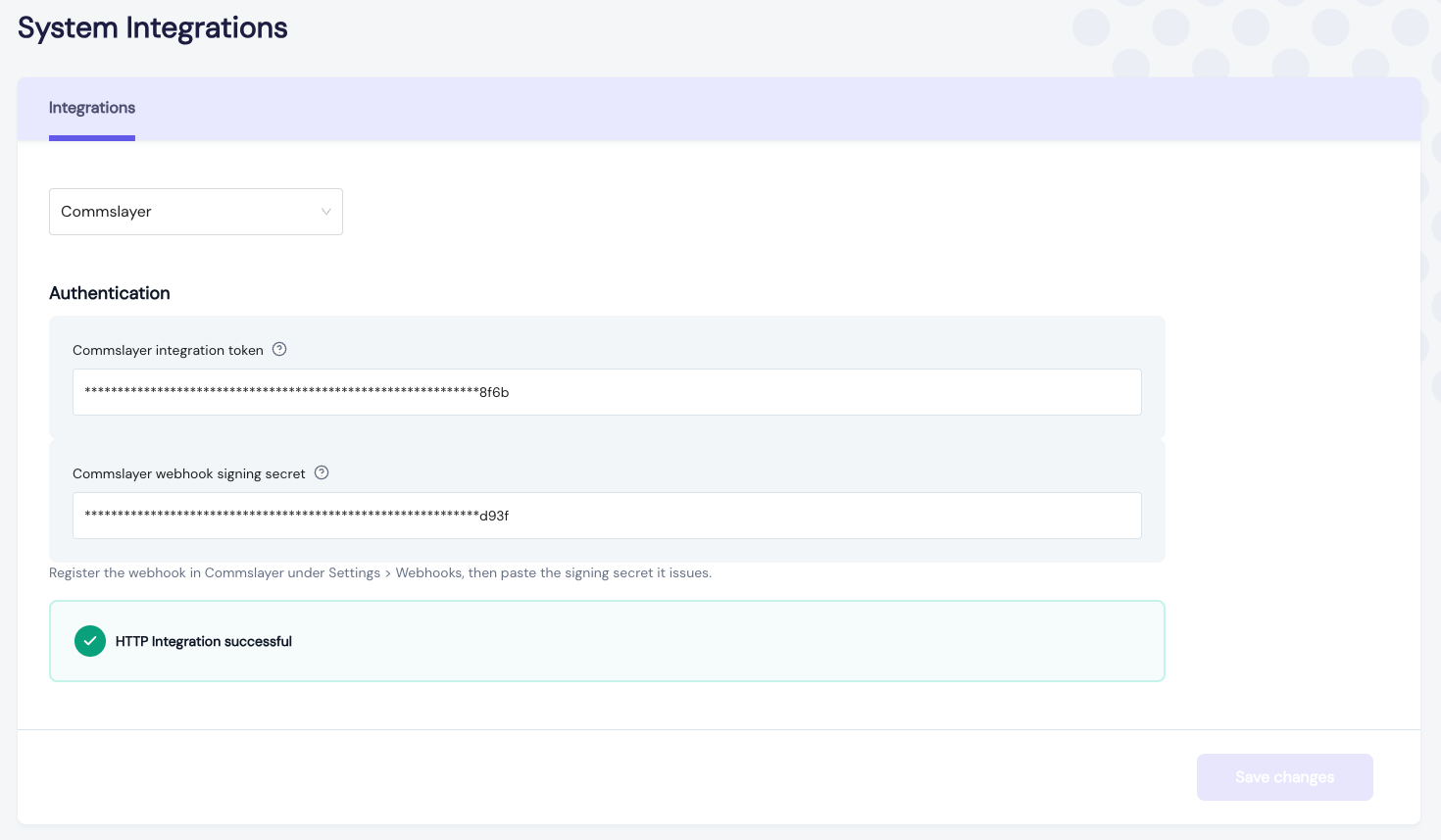
Go back to the Commslayer webhook page and press Test. A green result means Commslayer signed the delivery and our receiver accepted the signature. You are done.
Reporting attributes work to whoever sent it, so each agent has to be linked to their Commslayer ID once. Until an agent is mapped, their activity is not counted.